For Chrome · In development
Less noise.Fewer clicks.
Mute YouTube ads. Skip them when the button is ready.
See it in actionA quieter ad break.
Feature illustrations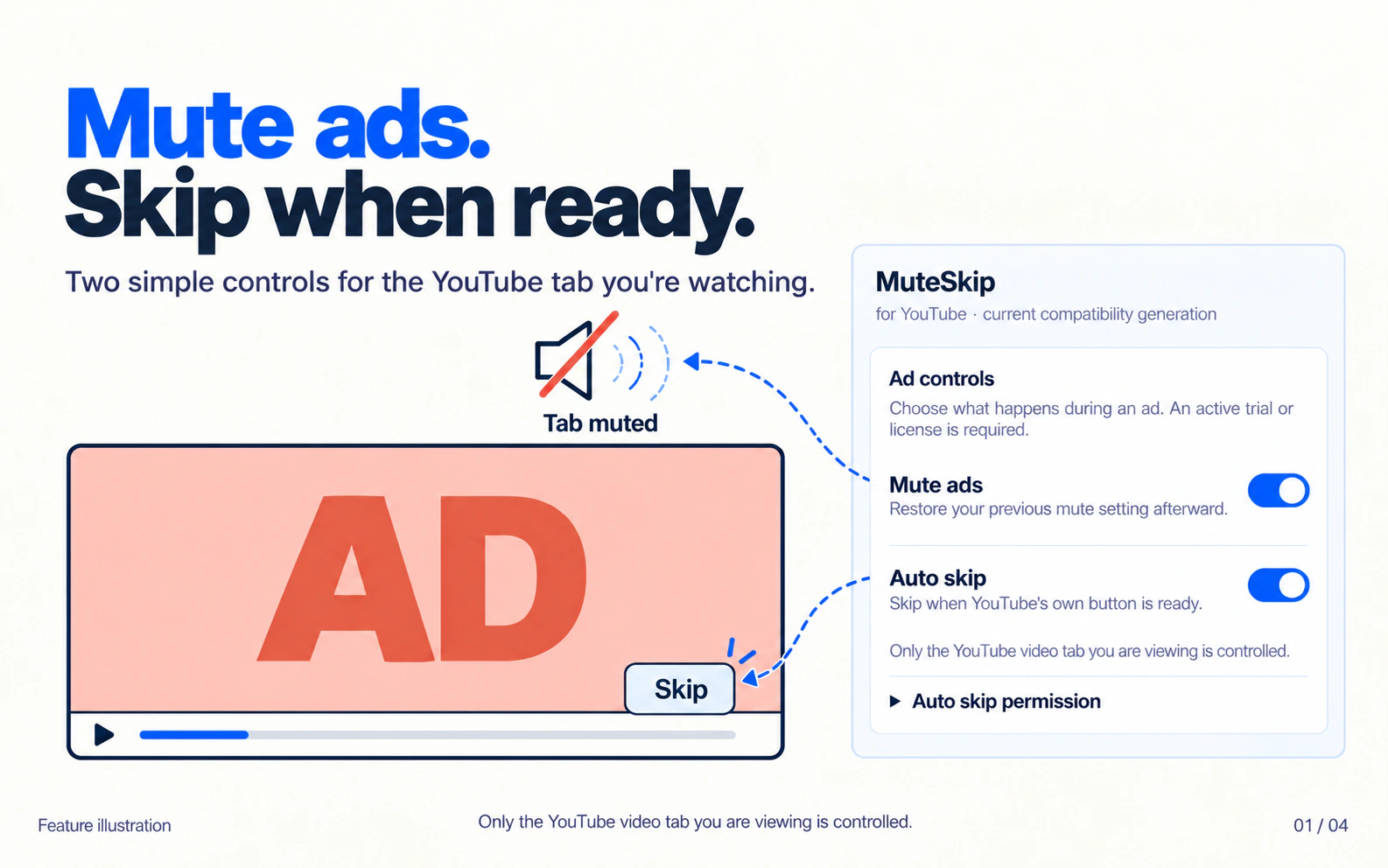
Mute or skip ads in the YouTube tab you're watching. Choose either control, or use both.
View full size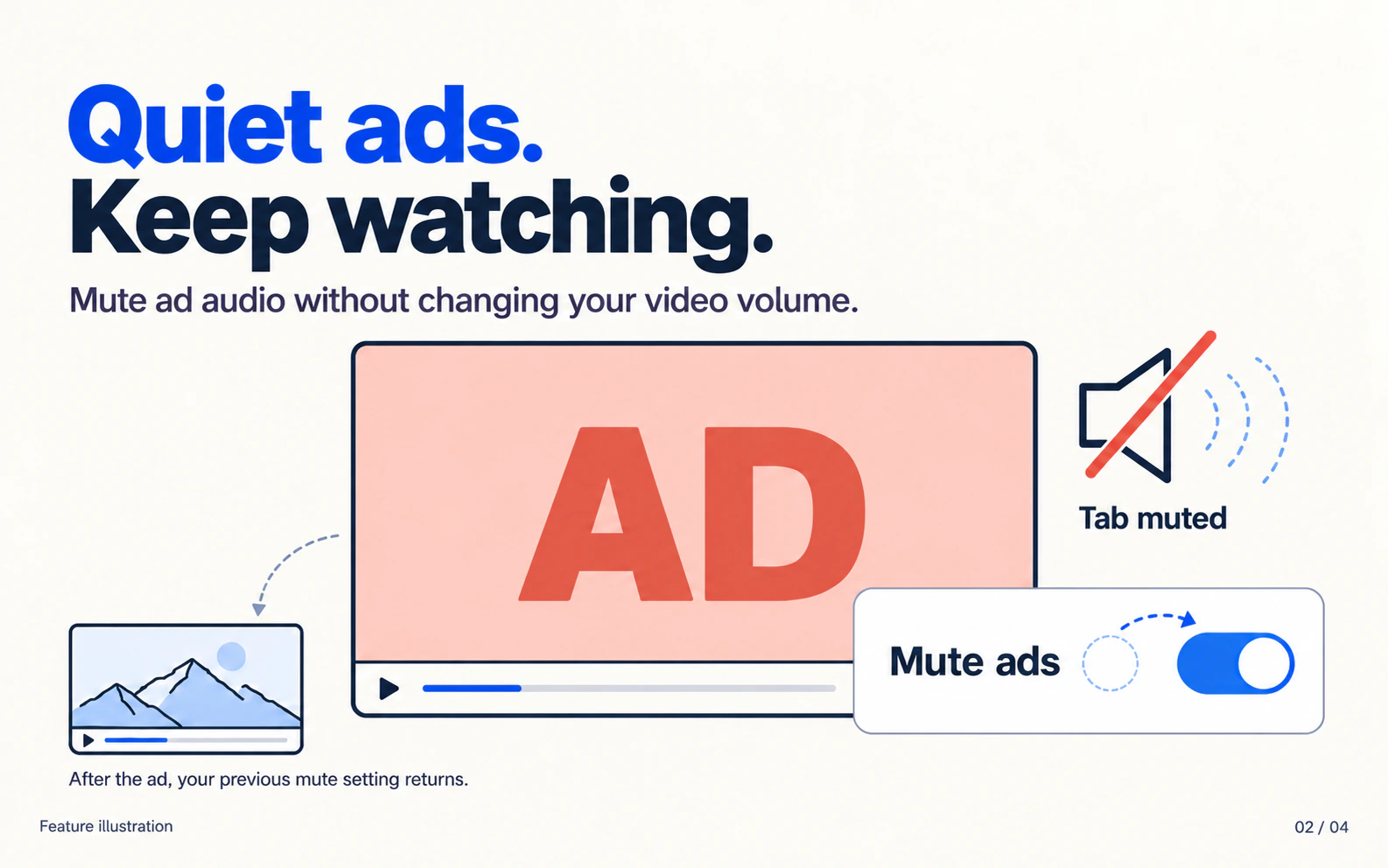
Quiet the ad without changing your video volume. Your previous mute setting returns afterward.
View full size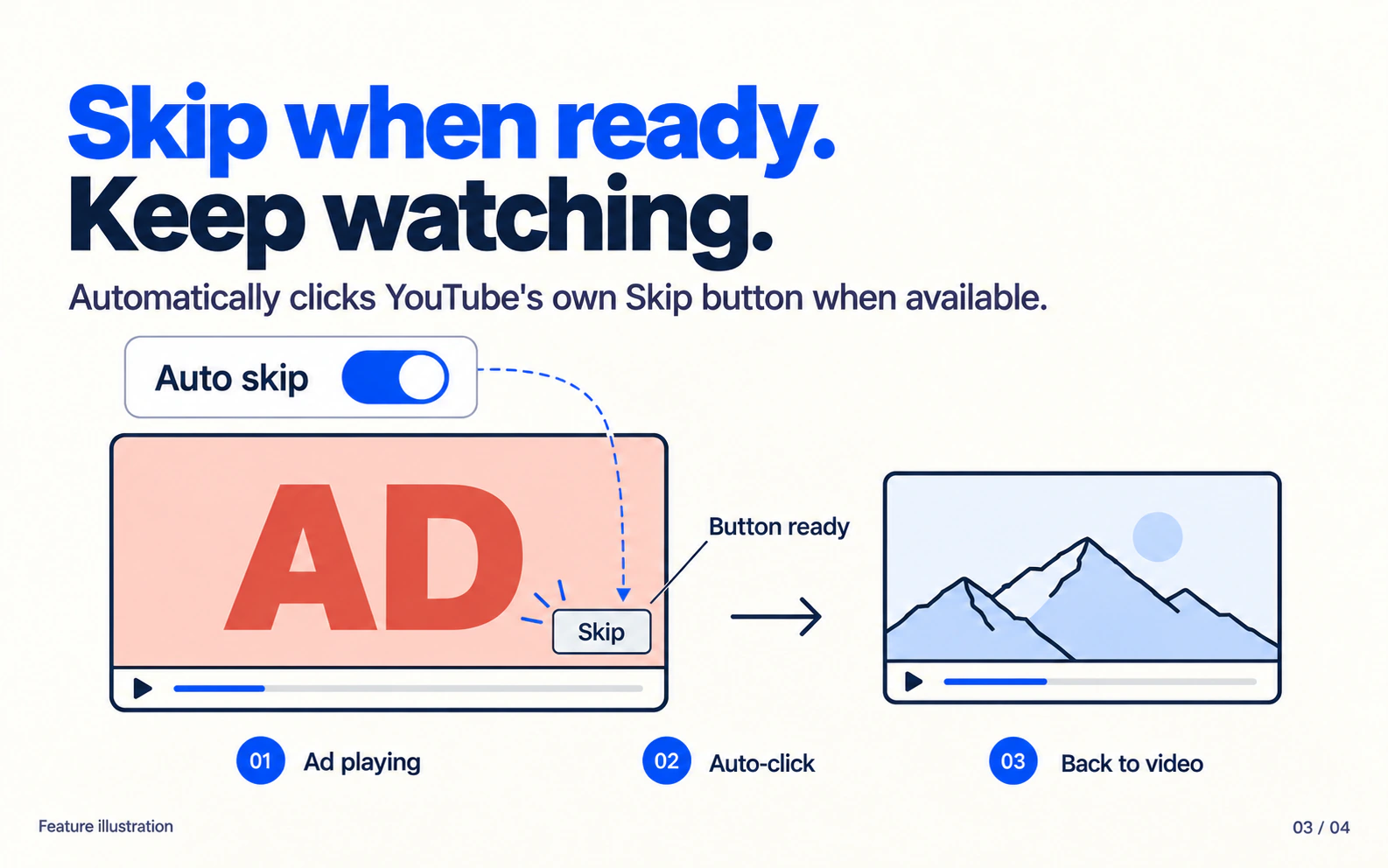
When enabled, auto-skip attempts the click as soon as YouTube's own Skip button is ready.
View full size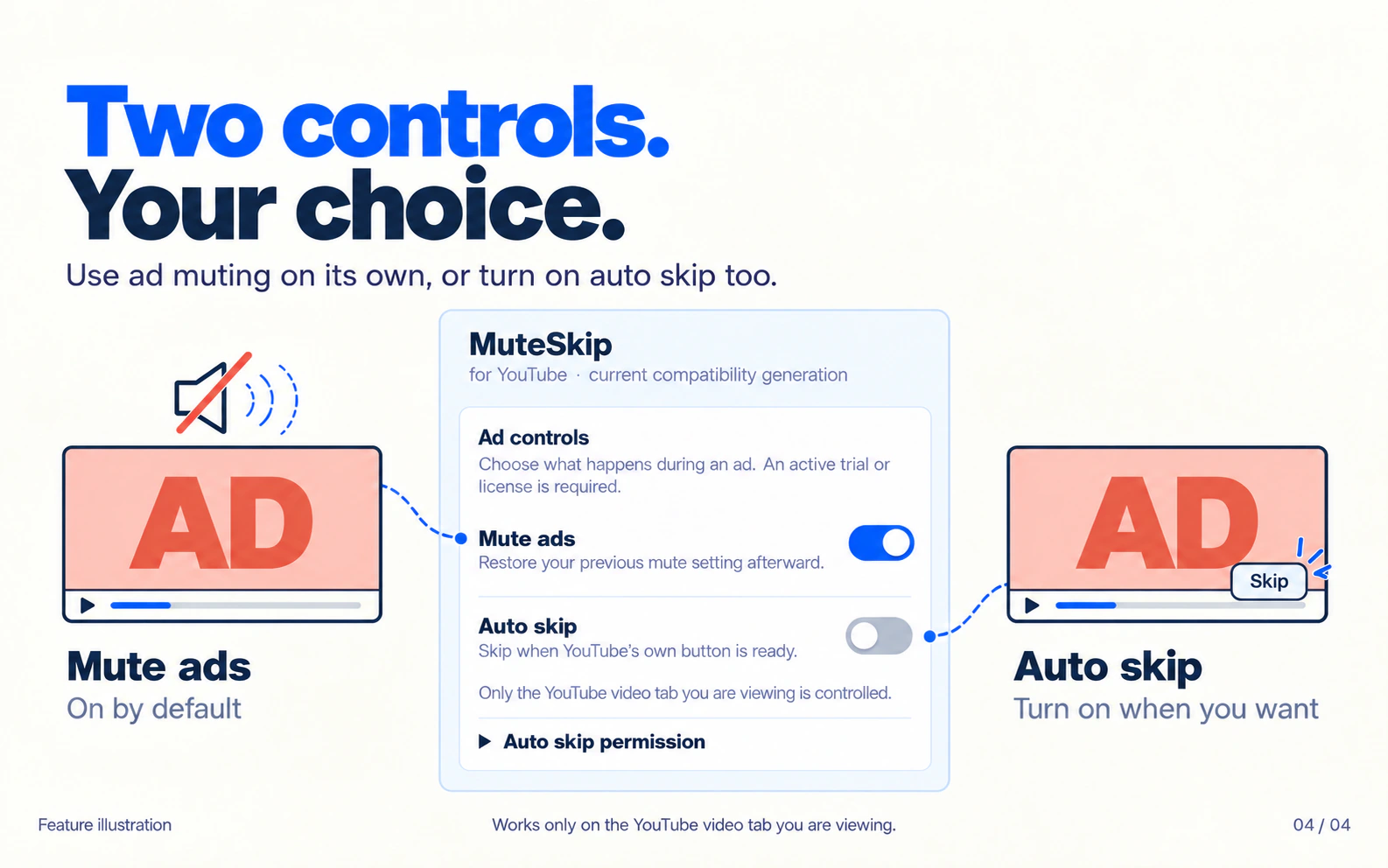
Ad muting starts on. Auto-skip starts off. Turn each control on or off whenever you like.
View full sizeTwo controls.Your choice.
Choose either control, or use both.
Only the YouTube tab you're viewing is controlled.
- Mute ads
- On by default. Restores your previous mute setting after the ad.
- Auto-skip
- Off by default. Turn it on to click YouTube's own Skip button when it's ready.
Try it first.
72 hours free.
No credit card required.
For the current compatibility release.
$2 for a future compatibility release.
YouTube changes may require a paid upgrade, even soon after purchase.
What's included?
Use the release you bought for as long as it works. Fixes within that release are included. A qualifying paid order that has not been fully refunded qualifies you for the $2 upgrade price. Prices include applicable indirect taxes. Skipped releases do not add upgrade charges. There are no automatic charges. Statutory consumer rights still apply.
14-day refund policy. Planned pricing; checkout is not yet available.
Good to know.
How do I start my trial?
Once MuteSkip launches, install it from the Chrome Web Store. Create an account, confirm your email, then sign in to start your 72-hour trial. Stay signed in to use the extension. After the trial, both features require a paid license.
Does MuteSkip block all ads?
No. It mutes ads and attempts to click YouTube's own Skip button when available. It can't skip unskippable ads. Future YouTube changes may affect compatibility.
What does auto-skip need?
The current build requires an active YouTube tab in a focused Chrome window that isn't minimized. It uses Chrome's debugger permission, so Chrome displays a notice during clicks. Dismissing the notice or opening DevTools can interrupt auto-skip. Both muting and auto-skip operate only in the foreground tab.
How many browsers can I use?
There is currently no limit on Chrome profiles for your own account. Sign in with the same verified account to restore an eligible purchase.
What happens to my viewing data?
Ad detection runs locally. Video content, titles, search terms, and browsing URLs aren't sent to the licensing server. The account service processes account, trial, purchase, and license records.